
There is a rhythm to a computer repair shop, and a lot of it follows the weather. Every summer, right around the time the humidity settles over Armstrong County and the first real heat wave rolls through, the same handful of jobs start coming through the door in Kittanning. Machines that were running fine in April suddenly shut themselves off in the middle of the afternoon. Drives that die the morning after a thunderstorm. Laptops that smell faintly of basement and will not boot.
None of this is a coincidence. Summer in Western PA is genuinely harder on computers than the rest of the year, and it is hard on them in three specific ways: heat, humidity, and the power surges that come with summer thunderstorms. After enough years of doing computer repair across Kittanning, Ford City, Freeport, and the rest of Armstrong County, I can tell you these three causes account for the large majority of the seasonal spike we see from June through August.
Here is what each one actually does to your machine, how to tell which one is biting you, and the handful of cheap things that prevent most of it. None of this requires you to be technical. Most of it is just knowing what summer does to the box on your desk.
Why does summer heat make a Western PA computer slow down or shut off?
Computers make their own heat, and they rely on being able to dump that heat into the air around them. The hotter the room, the harder that gets. A tower running in a Kittanning home office that sits at 68 degrees in winter and 82 degrees in July is fighting a very different battle in summer, and the machine knows it.
What happens first is thermal throttling. That is the technical name for the computer deliberately slowing itself down to avoid cooking its own parts. You feel it as a machine that is fine for the first twenty minutes and then crawls, or one that runs hot and sluggish all afternoon. It is not your imagination and it is not the machine "getting old." It is physics. The processor is hitting its temperature ceiling and backing off on purpose.
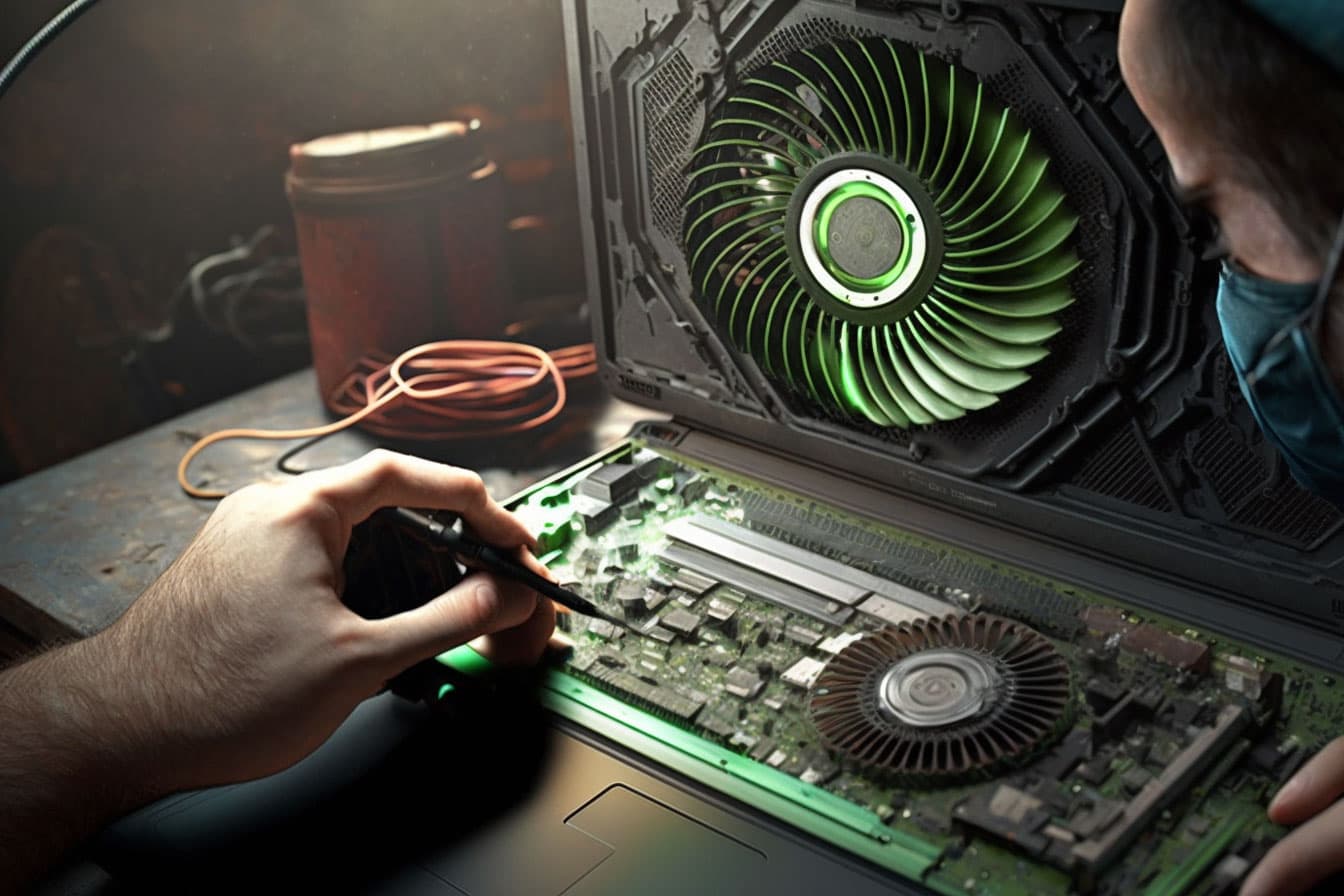
If the cooling cannot keep up at all, the computer protects itself the only other way it can: it shuts off, with no warning, often right in the middle of something. People bring these in convinced the power supply is dying or the machine is haunted. Usually it is just heat, and usually the cause is dust. Years of dust packed into the fans and heat sinks turns a cooling system that was marginal in winter into one that fails completely in an 85-degree room. The fix is a real internal cleaning and tune-up and, often, fresh thermal paste on the processor. It is one of the most satisfying repairs we do because the machine comes back genuinely faster and quieter. Our guide to keeping your computer clean covers the habits that prevent this. If your computer has never been cleaned out and it is shutting off in the heat, that is almost certainly your problem.
What does Western PA summer humidity actually do to a computer?
Heat gets all the attention, but humidity is the quiet one, and Western PA summers are humid. The damage humidity does is slower and sneakier than heat, which is exactly why people miss it until it is serious.
The first problem is condensation. Electronics that move between a cold, air-conditioned space and a hot, humid one can collect moisture inside, the same way a cold glass sweats on a summer day. A laptop carried from a chilly office out to a hot car, or a desktop in a damp Armstrong County basement that runs cool at night and warm by day, can get moisture forming on internal components. Moisture plus the trace electricity always present in a plugged-in machine equals corrosion, and corrosion on a circuit board is the kind of slow damage that shows up as weird, intermittent failures months later.
The second problem is just sustained dampness. Basements are where a lot of Western PA desktops live, and a lot of basements get damp in summer. A machine sitting in 60-percent-plus humidity for three months is accumulating a little corrosion the whole time, especially on contacts and connectors. It is why we sometimes open a tower and find green-tinged corrosion on RAM contacts or a power connector, and the owner has no idea anything was wrong until the machine started randomly failing to boot.
The prevention is unglamorous but it works: do not store a computer in a damp basement without a dehumidifier running, do not leave a laptop in a hot car, and give a machine that has moved from cold to hot a little time to come up to room temperature before powering it on. If you think a machine has already taken on moisture (a musty smell, intermittent boot failures, a laptop that got rained on or spilled), do not keep powering it on hoping it dries out. Powering a damp board is how you turn a cleanable problem into a dead one. Bring it in and let it be dried and cleaned properly.
Can a summer thunderstorm really fry my computer?
Yes, and this is the summer problem that does the most expensive damage the fastest. Western PA gets real thunderstorms from June through August, and every one of them is a risk to anything plugged into the wall.
There are two ways a storm gets you. The dramatic one is a direct or near lightning strike that sends a massive surge down the power line (or the coax, or the phone line) and into your equipment. That can destroy a power supply, a motherboard, or a whole machine in an instant. The far more common one is the smaller surges and brownouts that come with summer storms and grid instability: the lights flicker, the power blips off and back on, and each of those events sends a little spike or a little dropout through your electronics. Individually they are survivable. Over a summer of them, they wear out power supplies and corrupt drives.
The drive corruption is the one that costs people their data. A computer that loses power suddenly while it is writing to the disk can corrupt the file system, and a drive that takes enough of these hits eventually fails to boot. We see a clear bump in "it will not start up" and "it lost all my files" jobs in the days after a big storm rolls through Armstrong County. The machine was fine; the storm was not.
The good news is this is the most preventable of the three summer problems, and the prevention is cheap. More on exactly what to use below.
How do I protect my computer from summer power surges and outages?
Three levels, in increasing order of protection and cost:
First, a real surge protector, not a power strip. A lot of what people plug into is just a strip with multiple outlets and zero surge protection. A genuine surge protector has a joule rating (look for at least 1,000 to 2,000 joules for a computer) and it sacrifices itself to absorb a spike so your machine does not. They wear out, so a surge protector that has been guarding your desk for five years and through a few storms should be replaced, not trusted. This is a $20 to $40 item and it is the single best money you can spend before a Western PA summer.
Second, and this is the one I push hardest for anyone who cares about their data or runs a business: a battery backup, also called a UPS (uninterruptible power supply). A UPS does what a surge protector does and adds a battery, so when the power blips or drops during a storm, your computer keeps running for a few minutes instead of losing power instantly. That is enough time for the machine to ride out a brief outage or to shut down cleanly instead of getting its drive corrupted. A basic desktop UPS runs $80 to $150 and it prevents the exact data-loss scenario that fills the shop after every big storm. If you have a desktop in a part of Armstrong County where the power is the slightest bit unreliable, this is not optional in my book.
Third, the free option for the worst storms: unplug. If a serious thunderstorm is bearing down and you are not using the machine, physically unplugging it from the wall (and from the coax or phone line if those run to it) is the only thing that protects against a direct strike, because a true lightning hit will jump right past a surge protector. Nobody is going to do this for every storm, but for the genuinely violent ones it is worth thirty seconds.
And none of this replaces a backup. Surge protection keeps the hardware alive; a backup keeps your data alive. Going into summer is a perfect time to make sure you actually have a working, restorable backup, because storm season is exactly when you find out the hard way that you did not.
What are the warning signs my computer is struggling with summer heat?
A few patterns to watch for, because catching this early keeps a cheap fix cheap:
The fan never stops. If the fan is running flat out and loud all the time, or specifically when the room is hot, the cooling system is working overtime and probably losing. A machine that suddenly got loud this summer is asking to be cleaned out.
Fast then slow. The machine is responsive for the first chunk of time after you turn it on, then bogs down. That is the classic thermal-throttle signature: it heats up to its ceiling and backs off.
Unexplained shutdowns. It powers off on its own, especially during something demanding or on the hottest part of the day, with no error and no warning. Heat is the first suspect.
Hot to the touch. The case or the bottom of the laptop is genuinely hot, not just warm. Vents blowing hot air hard, or worse, vents that are blocked and barely moving air at all.
Any of these in July is worth a look before it turns into a dead component. Overheating does not just slow a machine down; sustained heat shortens the life of every part inside it, so a summer of running hot can take years off a computer that would otherwise have been fine.
Should Armstrong County small businesses worry about summer downtime?
More than homes, honestly, because a business has more plugged in and more to lose when it goes down. The summer issues that are an annoyance at home become a real cost at a business: a point-of-sale system that goes down mid-transaction during a storm, a back-office computer that overheats and takes the day's work with it, a server tucked in a closet that has no air conditioning and cooks itself every July.
The server-in-a-closet problem is one I see across Western PA small businesses constantly. A machine that needs to run 24/7 gets put in the one spare room or closet, which is also the one space with no air handling, and in summer that room turns into an oven. The equipment that the whole business depends on is sitting in the hottest, least-ventilated spot in the building. That is a recipe for a summer failure at the worst possible time.
For a small business heading into a Western PA summer, the short list is: make sure anything that runs continuously has actual airflow and is not baking in a closet, put a battery backup on the machines that matter (especially anything running a register or holding the only copy of important data), confirm the backup is real and restorable, and get the dust blown out of the machines before the heat arrives, not after they have already shut down once. A two-hour proactive visit in June is a lot cheaper than an emergency call in the middle of an August heat wave with the business stopped.
When should I handle a summer computer issue myself versus bring it in?
Some of this is genuinely do-it-yourself. Buying and using a good surge protector or a battery backup, running a dehumidifier in the basement where the desktop lives, keeping the machine up off the floor and away from carpet so it pulls in less dust, giving a cold laptop time to warm up before powering it on. All of that is prevention anyone can do, and doing it is most of the battle.
Where it is worth a call is anything that has already gone wrong. A machine that is shutting off in the heat needs a real internal cleaning and possibly new thermal paste, which is hard to do well yourself on a laptop without taking it apart. A computer that took on moisture or got hit by a storm should be looked at before you keep powering it on, because powering damaged hardware is how a fixable problem becomes a dead one. And anything involving lost or inaccessible data after a storm is worth stopping and calling about immediately, because continuing to use a failing drive is the surest way to make the data unrecoverable.
The rule I give Armstrong County customers is simple: prevention is yours, damage is ours. If you are trying to stop a summer problem from happening, the steps above cover most of it. If a summer problem has already happened, the cheapest path is almost always to stop, leave it alone, and let someone who does this every day tell you what is actually going on before more damage is done.
Schedule an Armstrong County summer checkup
If your computer is shutting off in the heat, if you want it cleaned out and checked over before the worst of summer hits, or if a storm already did some damage, the way to start is the same. Call 724-954-0007 and talk to a real person, usually Mike. Tell us what the machine is doing and how old it is, and we will tell you honestly whether it is a quick fix, a cleaning, or something that needs a closer look.
We serve Kittanning, Ford City, Freeport, Worthington, Rural Valley, Dayton, Apollo, Leechburg, and the rest of Armstrong County, plus Butler, Westmoreland, and Allegheny Counties. For a single machine we offer pickup and delivery so you do not have to make the drive, on-site is available for business jobs that need it, and a lot of software issues can be handled remotely. No drive-time surcharge, no enterprise pricing, no upsell. Just get the machine through the summer in one piece.
Related Articles
Common Butler PA Computer Problems We See (And How We Fix Them)
Driving to Butler regularly means we see the same handful of issues come through the shop. Here's what they are, why they happen, and what the fix usually looks like.
MaintenanceThe Importance of Keeping Your Computer Clean: Tips from Mike's Computer Repair
Computers can accumulate dust and debris over time, causing reduced performance, power issues, and even fire hazards. Here's how to keep yours clean.
EducationThe Importance of Backups: Safeguarding Your Business Data
Data loss from hardware failures, cyber attacks, or human error can devastate a business. Here's how to build a backup strategy that actually protects you.