
How Do Hard Drives Fail?
The cornerstone of a computer's storage system is the hard drive. It's where all your files, documents, photos, and applications live. But, like any other component, hard drives can fail, which is the strongest possible argument for keeping a current backup. Let's dive into the most common reasons why hard drives fail, and then we'll explore how to address these problems.
A Head Crash
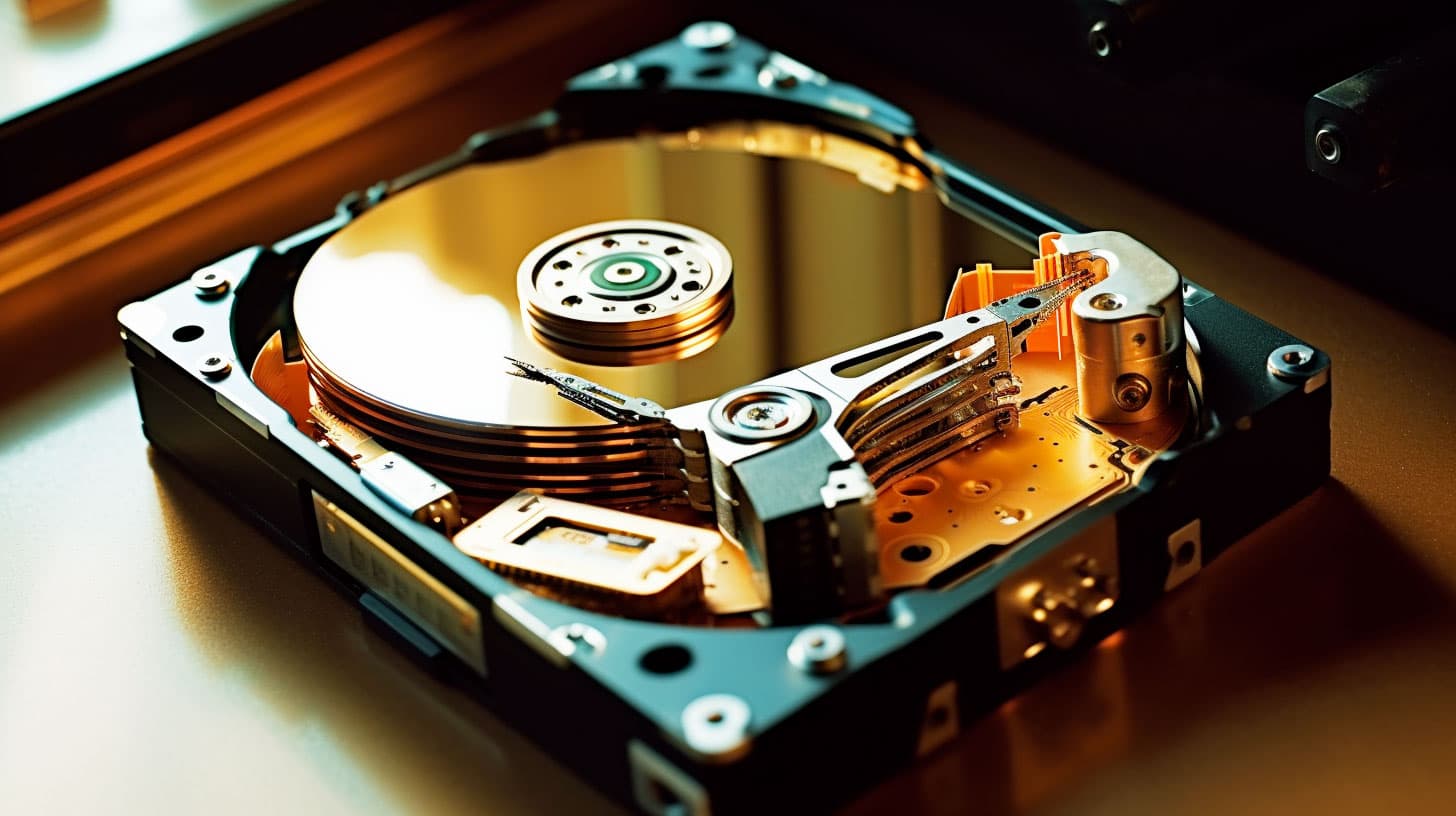
A head crash is one of the most disastrous events that can happen to a hard drive. It occurs when the read/write head of the hard drive physically strikes the magnetic platters where data is stored. This can be caused by physical damage to the drive or an electrical fault between the head and the logic board.
This is particularly damaging because the read/write head isn't meant to touch the platters. When it does, it can scrape off the magnetic coating where data is stored, leading to data loss. In severe cases, the damage can be permanent, making data recovery impossible.
Unfortunately, once a head crash has occurred, there isn't much that can be done without professional help. If you suspect a head crash, stop using the drive immediately and seek professional help, and read what to do before you call for data recovery so you do not make it worse.
Spindle Motor Malfunction
The spindle motor is responsible for spinning the platters where data is stored at high speeds, often over 7200 RPM. If the spindle motor malfunctions, the platters won't spin and the read/write heads won't be able to transmit or receive data.
Spindle motor malfunctions can occur due to insufficient lubrication, contaminants such as dust or liquids, or improper handling of the hard drive.
If a spindle motor fails without causing damage to the platters, it's often possible to recover all of the data stored on the drive. However, this should be left to professionals.
Problems with the PCB
At the heart of every hard drive is the Power Circuit Board (PCB). This component supplies power to the drive and controls the read/write heads. If the PCB malfunctions, the entire hard drive will likely become unresponsive or exhibit unusual behaviors.
Symptoms of a PCB problem can include a burning smell, overheating, the drive becoming unresponsive, or unusual file errors.
Repairing or replacing a PCB is a delicate process that should be handled by professionals, and it starts with proper diagnostics. The PCB contains firmware unique to each hard drive, and swapping it with an incompatible one can result in further damage.
Related Articles
Top 5 Physical Computer Repair Issues in the Greater Pittsburgh Area
From overheating to broken screens, here are the five most common physical computer problems we see and how to address them.
RepairCommon Computer Issues and How Mike's Computer Repair Can Help
Slow performance, virus infections, hardware failures, and network problems are the issues we see most. Here's what causes them and how we fix them.